The fastest way to lose trust on social media is not posting too little. It is posting something sloppy: a cropped face, a broken link, a watermark from another app, a hook that only makes sense on one platform. Most of those mistakes take thirty seconds to catch and zero seconds to fix if you have a checklist.
This is the pre-publish review we run before anything goes live or into a queue, whether you post to one platform or ten. Work top to bottom. Skip items that do not apply to the format, but never skip the hook and the link checks.
1. Does the first line earn the second?
The opening line is the whole post on fast-scrolling platforms. Read only the first sentence out loud. If it sounds like a press release opener ("We are excited to announce..."), rewrite it. Strong hooks are specific, surprising, or opinionated. More patterns in our hooks guide.
2. Is the idea clear without context?
Someone who has never heard of you should understand the post in five seconds. Jargon, inside references, and "as I mentioned yesterday" all fail this test unless you are explicitly continuing a thread.
3. Is the length right for the primary platform?
| Platform | Rough target |
|---|---|
| X / Threads | One sharp idea; threads only when the idea needs room |
| 800 to 1,200 characters for text posts; longer only if every paragraph adds value | |
| Instagram caption | Front-load the hook; keep the rest skimmable |
| TikTok / Reels text | Short overlay copy; let the video carry detail |
| Shorter than LinkedIn; conversational tone | |
| Title is the hook; body should deliver fast |
If you cross-post, this check runs per platform, not once.
4. Are aspect ratio and cropping correct?
Vertical video on a horizontal feed gets buried. A square image in a Stories slot looks amateur. Before scheduling, open each platform preview:
- Reels / TikTok / Shorts: 9:16, important content in the center safe zone
- Instagram feed: 4:5 or 1:1
- LinkedIn video: 1:1 or 16:9
- Pinterest: 2:3
- X images: 16:9 or 1:1
5. Any competitor watermarks or app badges?
Algorithms and audiences both punish obvious exports from another platform. Remove TikTok logos, CapCut tags, and "posted via" badges. This is the single most common reason a cross-posted video underperforms.
6. Do links work and land on mobile?
Tap every link on your phone. Check UTM parameters if you use them. On X and LinkedIn, confirm the preview card looks right. If the post is native content with no link, skip this.
7. Are hashtags purposeful (not stuffed)?
Hashtags are not dead, but spammy blocks hurt readability. Use a few relevant tags on Instagram and LinkedIn, almost none on X and Threads, and follow subreddit rules on Reddit. Details in do hashtags still work.
8. Is the CTA one action, not five?
"Like, share, comment, tag a friend, and click the link" converts worse than one clear next step. Pick the one action that matches the post's job: comment with an opinion, save for later, click to read, or DM you.
9. Alt text and captions added?
Accessibility helps everyone: alt text on images, captions on video, readable contrast on text overlays. Many platforms now surface alt text to search. Thirty seconds here is cheap SEO and cheap inclusivity.
10. Tone check: would you say this out loud?
Read the caption aloud. If you stumble or cringe, edit. Scheduled posts fail this check more often because batch writing drifts into corporate voice. Fix it before it queues.
11. Facts, names, and numbers verified?
Screenshots of stats, pricing, and dates go stale. Confirm numbers match your current offer. Confirm you spelled customer names and partner brands correctly. A wrong price in a scheduled post is a scheduled crisis.
12. Emoji and formatting: helpful or noisy?
Emoji can signpost lists; emoji walls look spammy. Line breaks help readability on LinkedIn and Instagram; on X they can look like engagement bait. Match what normal posts look like in your niche today.
13. Scheduled time matches the platform and audience
A great post at the wrong hour starts cold. Cross-check your slot against best times to post and, if you have a global audience, time zone scheduling. Adjust per platform instead of one blast time.
14. Engagement plan for the first hour
Scheduling is not fire-and-forget. Note who you will reply to, which comment you will pin, and whether you will quote-post your own thread with a summary. The first hour of engagement still influences reach on most platforms.
15. Does this post match the week's calendar job?
Every post should map to a pillar in your content calendar: teach, prove, position, answer, or promote. If this post is a sixth promo in a row, swap it with next week's teaching slot before you publish.
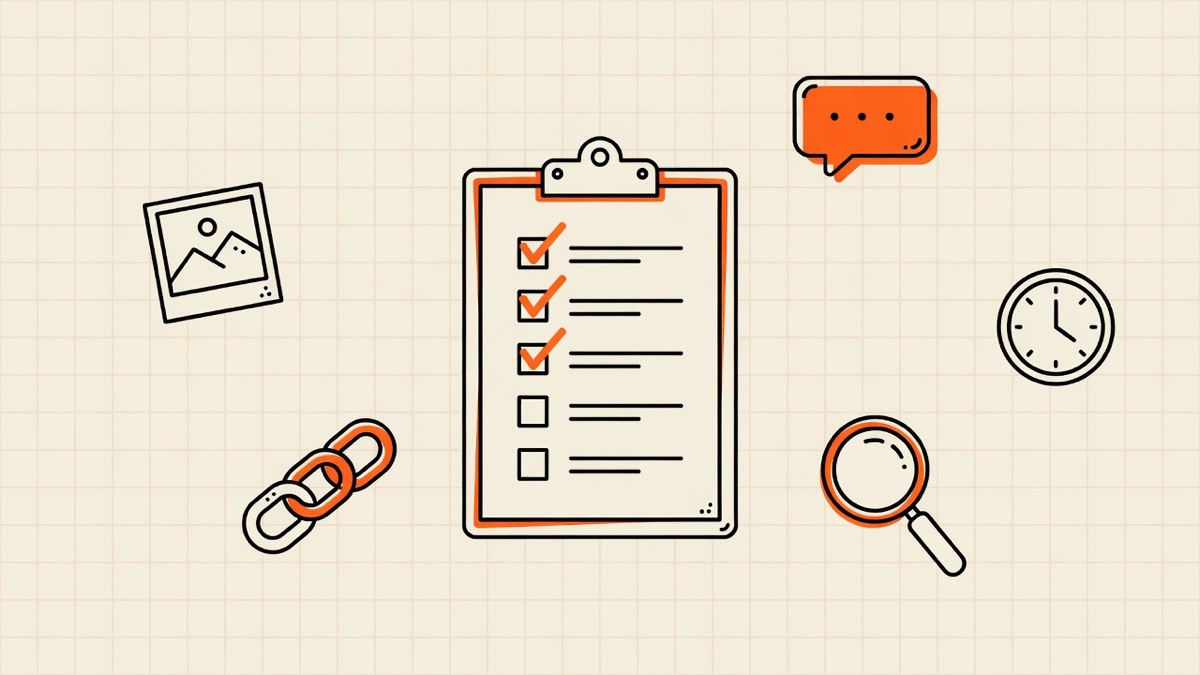
Quick printable checklist
[ ] Hook works standalone
[ ] Idea clear to strangers
[ ] Length fits each platform
[ ] Aspect ratio / crop correct per platform
[ ] No competitor watermarks
[ ] Links work on mobile
[ ] Hashtags intentional
[ ] One clear CTA
[ ] Alt text / captions set
[ ] Sounds natural read aloud
[ ] Facts and numbers verified
[ ] Formatting not spammy
[ ] Scheduled time per platform
[ ] First-hour engagement planned
[ ] Matches calendar pillar mix
Save this block in your notes app. Run it at the end of every batch session.
Checklist for scheduled vs live posts
Scheduled posts (80 to 90 percent of volume): run the full list. Scheduling magnifies mistakes because nobody is there to catch typos at publish time.
Live posts: shorten to hooks, links, facts, and watermark checks. You can fix tone in real time; you cannot fix a broken link after a quote-post chain starts.
Never schedule: replies, DMs, and real-time conversation. Those are the live layer that makes scheduled content feel human.
How teams use this without slowing down
Solo creators: checklist in Notes, five minutes at the end of batch day.
Small teams: assign a "publisher" role on rotation. Writer drafts, publisher runs the checklist, scheduler queues. Two sets of eyes catch most errors.
Agencies: checklist lives in the task ticket. No ticket moves to "scheduled" until the box section is complete.
The checklist is not bureaucracy. It is the difference between a post that looks native and a post that looks exported.
Frequently asked questions
How long should a pre-publish review take?
Two to five minutes per post once you are practiced. Longer for video, faster for text. Batching reviews at the end of a writing session is faster than reviewing one post per day.
Should I check analytics before posting?
Check what similar posts did, not what yesterday's news did. If teaching carousels outperform video on your account, bias this week's calendar toward carousels. Deeper metrics in social media metrics that matter.
What is the most common pre-publish mistake?
Wrong aspect ratio with a platform watermark on video. Second place is a weak first line that buries the actual point in sentence three.
Can a tool run this checklist for me?
No tool replaces reading the hook out loud, but a multi-platform preview helps with crops, length, and link cards. Preview every destination before you schedule, especially when you post to all platforms at once.
Make the checklist part of batch day
Add five minutes to the end of your weekly scheduling session. Run the list on every post before it enters the queue. Within a month, the checks become automatic and your misfires drop sharply.
If you want one screen to draft, preview, and schedule across all ten platforms, start a free 7-day WriteOnce trial and run this checklist against live previews before anything goes out.
Write once. Post to all 10 platforms.
One composer, per-platform tweaks, scheduled in your timezone.