

Schedule YouTube Shorts with the rest of your content
If you're posting Shorts, you're almost certainly posting the same vertical video to TikTok and Instagram too. Doing that manually means three uploads, three captions, and three publish times. WriteOnce makes it one: upload the video once, write the caption once, select all three platforms, and schedule.
YouTube is a video platform, so WriteOnce only offers it when your post has video attached, with descriptions counted up to 5,000 characters. Your Shorts pipeline lives on the same calendar as everything else, so you can finally see your whole week of content in one view.
Shorts without the triple upload
One vertical video, scheduled to YouTube, TikTok, and Instagram at the same time. Three platforms of reach for one platform of effort.
5,000-character descriptions
YouTube descriptions drive search. Write the full description with links and chapters, and WriteOnce publishes it intact.
Video-first, honestly
YouTube only accepts video, so WriteOnce only offers YouTube when your post has video attached. No confusing failures at publish time.
A calendar across all your channels
See scheduled YouTube uploads next to your TikTok and Instagram posts on one month or week calendar view.
How to schedule YouTube videos with WriteOnce
Upload Shorts and long-form video once, schedule to YouTube, and cross-post to TikTok and Instagram.
- 1
Connect your YouTube channel
Link YouTube through Google's official authorization in WriteOnce Settings.
- 2
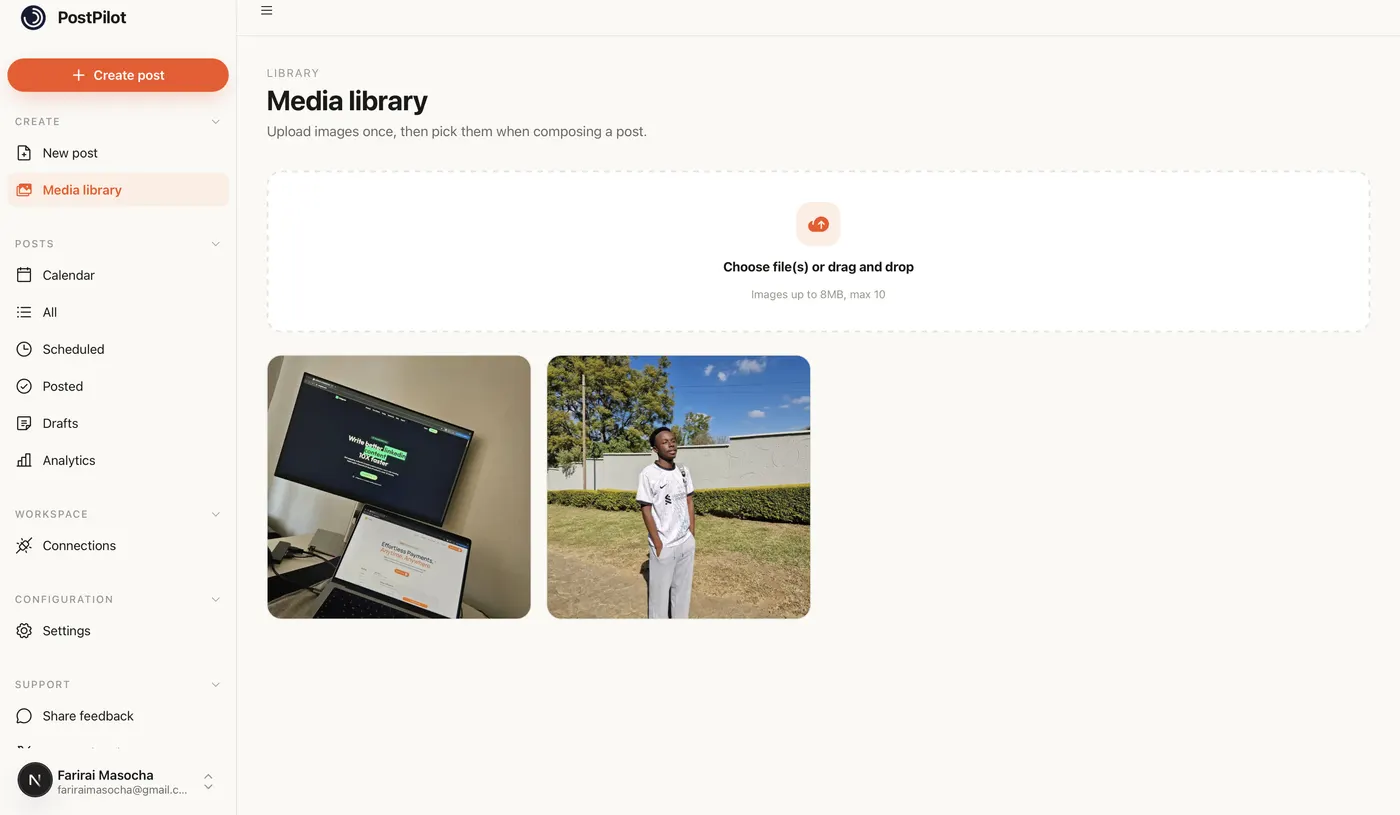
Upload video to the media library
YouTube requires video on every post. Upload your clip once; vertical videos under 60 seconds surface as Shorts on YouTube's side.
- 3
Write the description
YouTube allows up to 5,000 characters in the description field. Add links, chapters, and keywords; WriteOnce publishes the full text.
- 4
Schedule alongside TikTok and Instagram
Select YouTube, TikTok, and Instagram in one composer when the same vertical video fits all three.
- 5
Confirm on the calendar
Review scheduled uploads next to your other platforms on the week or month view.
Get more from scheduled YouTube posts
One upload, three Shorts platforms
Film vertical, upload once, schedule to YouTube Shorts, TikTok, and Instagram Reels at the same time.
Descriptions drive search
YouTube SEO lives in the description. Write it fully in WriteOnce rather than trimming for other platforms.
Monetization stays intact
Scheduled uploads use YouTube's official API and behave like Studio uploads.
Related guides
WriteOnce is built for cross-posting. See how YouTube scheduling fits alongside posting to all social media at once and how we compare to other schedulers.
From draft to everywhere in 3 steps
No tabs. No copy-paste. No "did I already post this on LinkedIn?"
Connect your accounts
Link Instagram, X, TikTok, LinkedIn, YouTube and more in two clicks. Secure connections that refresh themselves, so you never log in twice.
Create your post once
Write your caption, add media from your library, and pick which platforms to publish to before it goes live.
Schedule & publish
Post now or pick a date and time. One calendar runs it all.
YouTube scheduler questions, answered
Both. Any video you upload can be scheduled to YouTube; vertical videos under 60 seconds surface as Shorts on YouTube's side.
Schedule everywhere else too
WriteOnce is one composer for all 10 platforms. Write your post once and post to all your social media at once. See pricing for plans that include every platform. Compare us to Buffer, Later, or Hootsuite if you are evaluating schedulers.
Hit a milestone? Try the free YouTube follower count generator.
 Bluesky scheduler
 Threads scheduler
 Reddit scheduler
 Pinterest scheduler
 X scheduler
 LinkedIn post scheduler
 Instagram scheduler
 TikTok scheduler
 Facebook scheduler
Ready to put your posting on autopilot?
Every plan includes a 7-day free trial. Cancel anytime.