Publishing in real time is the most expensive way to run social media. It ties your presence to your availability, puts your posting times at the mercy of your calendar, and turns every single post into a small interruption of your actual work.
Scheduling fixes all of it, but most people do it halfway: they schedule sometimes, on whatever tool came first, with no system behind it. This guide is the full method: what to schedule, what to keep live, how to build a queue that runs itself, and the traps that make scheduled accounts feel dead.
Why scheduling beats posting live
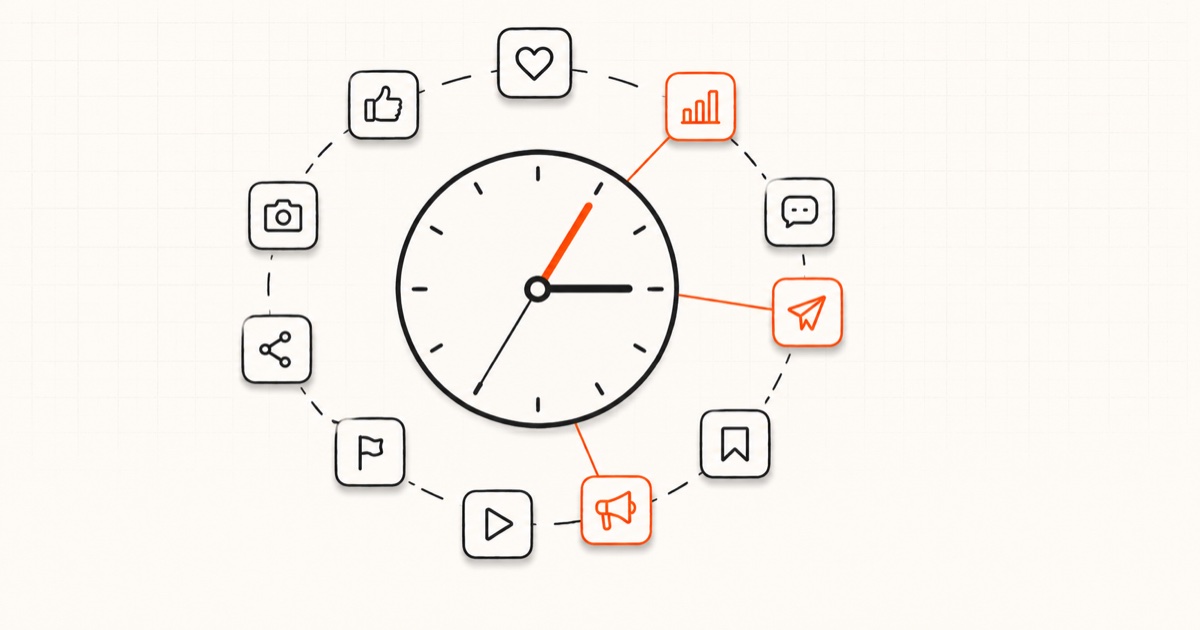
Your best posting times are not your available times. Peak engagement windows differ per platform, and most of them land while you are working, commuting or asleep, especially across time zones. A queue posts at 7 a.m. in your audience's timezone without you being awake for it. The per-platform windows are in our best times to post guide. For Instagram day-by-day slots, see our best time to post on Instagram guide.
Batching produces better content. Writing seven posts in one focused session beats writing one post a day under pressure, for reasons we covered in the one-hour weekly content system. Scheduling is what makes batching possible; without it, batch-written content still requires daily manual publishing.
Consistency survives your bad weeks. The queue does not get busy, sick or uninspired. Accounts die in the gaps, and scheduling removes the gaps.
It makes multi-platform posting realistic. Posting to ten platforms manually at ten different ideal times is a full-time job. Scheduled, it is one planning session.
What to schedule and what to post live
Scheduling is not all-or-nothing. The split that works:
Schedule (80 to 90 percent): teaching posts, stories, opinions, product content, repurposed winners, anything evergreen. If it would be equally good tomorrow, schedule it.
Post live (10 to 20 percent): reactions to news in your niche, replies and conversations, trend participation, anything where timing is the content. A scheduled hot take about yesterday's news is worse than silence.
Never schedule: engagement itself. Comments, replies and DMs are the live layer of social media, and they are where growth actually happens for small accounts. Schedule the content; show up for the conversation.
How to build your weekly queue, step by step
Step 1: Decide your per-platform frequency
Set a number you can sustain for each platform: for example, daily on X and Threads, four times a week on Instagram and LinkedIn, three on the rest. Our posting frequency guide has the per-platform recommendations. Write the numbers down; the queue exists to hit them.
Step 2: Create fixed time slots
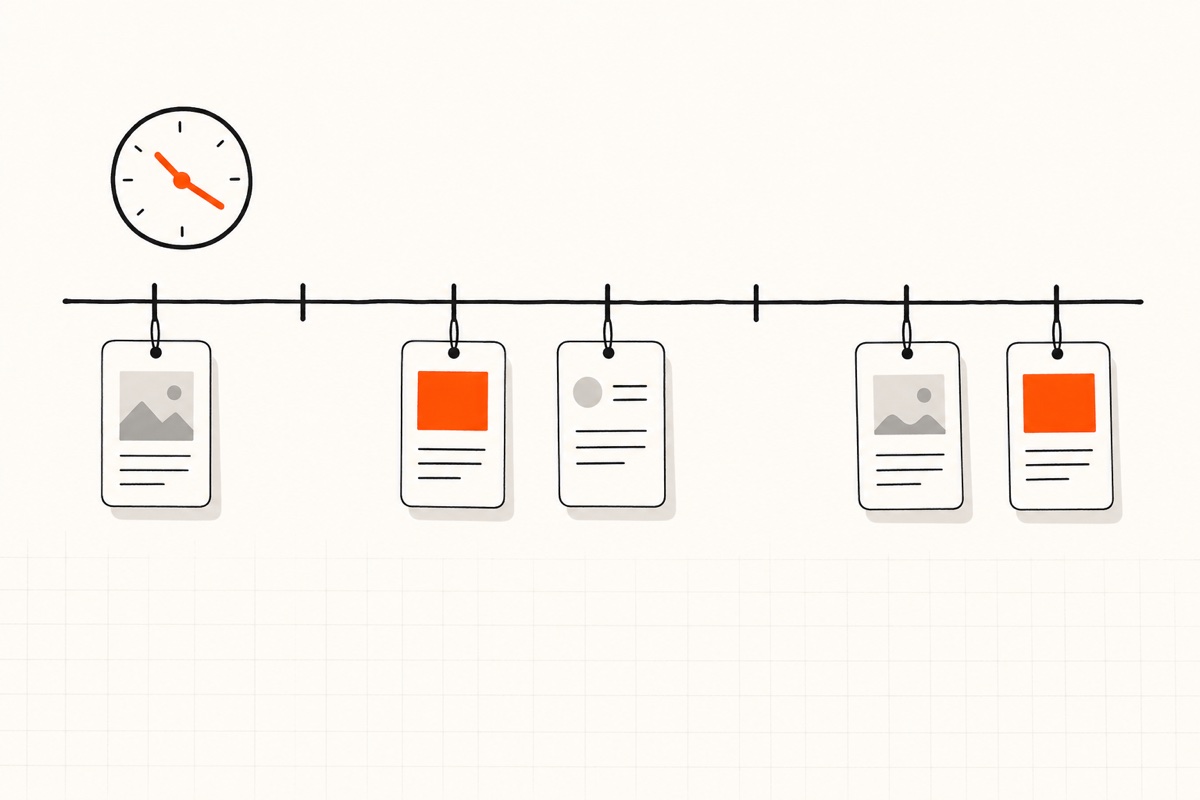
Give every platform standing slots at its peak windows: X at 9 a.m., Instagram at 12 p.m., TikTok at 7 p.m., and so on, in your audience's timezone. Fixed slots turn scheduling from a decision into a habit, and they make your analytics readable because timing stops being a variable.
Step 3: Batch-write, then fill the slots
Once a week, write your posts in one sitting, adapt each per platform, and drop them into the slots. Run drafts through a character counter so nothing gets truncated, and check the rendering in a post preview. Cross-posting rules apply: same idea everywhere, native formatting per platform, as covered in the cross-posting guide.
Step 4: Leave slots open on purpose
Fill 80 percent of your slots and leave the rest empty for live content, trends and reactions. A fully scheduled week has no room for the timely posts that often perform best.
Step 5: Review weekly, adjust monthly
Check which slots and posts performed in your weekly review (the five metrics that matter are enough), and adjust slot times monthly based on your own data rather than the averages.
The scheduling mistakes that make accounts feel robotic
- Scheduling and vanishing. The account posts daily but never replies to a comment. Audiences notice within a week, and platforms deprioritize accounts whose posts start conversations nobody finishes.
- Identical posts, identical timestamps, everywhere. Blasting the same text with the same hashtags to ten platforms at 9:00 sharp is the signature of a bot. Native adjustments and per-platform times keep cross-posting invisible.
- Scheduling time-sensitive content. Anything referencing "today," a live event or a trend needs a human check before it fires. Keep those live.
- The six-month queue. Scheduling too far ahead means your feed keeps talking while your business changes. Two weeks is a comfortable maximum for most accounts; one week keeps you sharpest.
- Ignoring failed posts. Scheduled publishing can fail: expired tokens, changed APIs, rejected media. Check your scheduler's failed queue weekly, or use one that alerts you.
Choosing a scheduling tool in 2026
The honest criteria, in order:
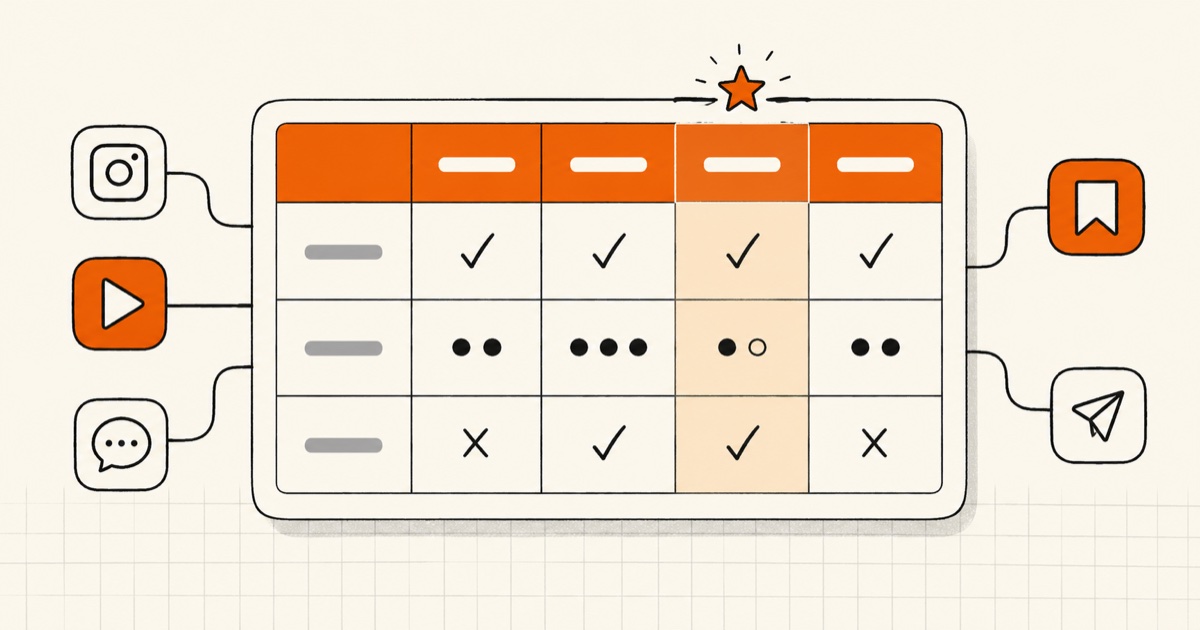
- Platform coverage. The tool must post natively to every platform you use. Missing even two means you are back to manual publishing for those, which quietly kills the system.
- Per-platform customization in one composer. You should write once and adjust each platform's version in the same screen, not copy-paste between tabs.
- Timezone-aware queues. Slots should live in your audience's timezone and survive daylight saving changes.
- Pricing that does not punish platforms. Per-channel pricing makes ten platforms absurdly expensive; see our best social media schedulers (2026) roundup, Buffer comparison, and the full WriteOnce vs Buffer, Hootsuite, and Later guide for how that math plays out.
WriteOnce was built around exactly these criteria: one composer that posts to all 10 platforms, per-platform tweaks, a weekly queue in your timezone, and one flat price. Start a free 7-day trial and build your first queue this week.
Frequently asked questions
Does scheduling posts hurt reach?
No. Platforms treat posts published via official APIs the same as posts published in the app, and every major scheduler uses official APIs. The myth persists from a decade ago; test it yourself and your numbers will show no difference.
How far in advance should I schedule social media posts?
One to two weeks for most content. Far enough to batch efficiently, close enough to stay current. Evergreen niches can stretch to a month; news-adjacent niches should stay inside a week.
What is the best time to schedule posts?
Each platform has its own peak window, which is the entire reason scheduling beats posting everything when you happen to be free. Start with the aggregate data in our best times guide, then adjust to your own audience's analytics after a month.
Should I schedule the same post to all platforms at once?
Same post, yes; same moment, no. Give each platform its own slot in its own peak window, and adjust the caption per platform. One writing session, ten well-timed native posts.
Write once. Post to all 10 platforms.
One composer, per-platform tweaks, scheduled in your timezone.